How to receive an invoice or pay with a purchase order
Thank you for your interest in our trainings.
You are able to purchase all items from our website, even if you require an invoice or purchase order for payment. As you proceed through the ordering process enter the organization's billing information, then select the Invoice or PO option. Enter Business Tax/VAT ID and PO Number if applicable.
After placing your order, you'll receive an order confirmation. To receive an invoice for your finance department, go to Orders in the upper right corner.
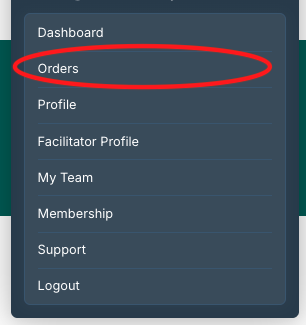
Then click Email Invoice.

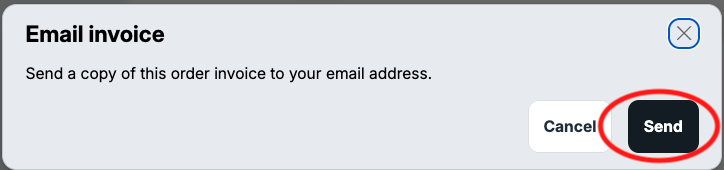
Then confirm by clicking Send.
You will receive a PDF of your tax invoice in USD for your records. We cannot issue invoices in other currencies. When COSI receives a purchase order, it will be associated to the invoice and emailed to your organization's accounts payable department. All orders must be paid in full to receive your training or product.
Then confirm by clicking Send.
You will receive a PDF of your tax invoice in USD for your records. We cannot issue invoices in other currencies. When COSI receives a purchase order, it will be associated to the invoice and emailed to your organization's accounts payable department. All orders must be paid in full to receive your training or product.